
Schedules & Calendars
Keep practices, matches and events organized so participants know what is coming up next.
Learn moreDiscover how TeamLinkt helps youth sports teams coordinate schedules, player rosters, registration and team communication. Explore the app, review download options and follow practical steps to get started.

Sports seasons are exciting, but organizing them can quickly become complicated. There are practice times to confirm, game locations to share, players to coordinate and last-minute changes to communicate. TeamLinkt is a sports management platform designed to help bring those everyday activities together.
This resource walks you through what to expect, how the platform is commonly used and where to access the app. Whether you are learning about it for the first time or helping a team get started, you can find the information you need without sorting through unrelated pages.
Explore what TeamLinkt can do
From the first practice to the final whistle, explore the tools that help make a busy season easier to follow.
Keep practices, matches and events organized so participants know what is coming up next.
Learn more
Understand how teams organize player information and maintain a clear view of the squad.
Learn more
Learn how timely messages and announcements help keep everyone on the same page.
Learn more
Explore registration workflows for sports organizations and the information they may request.
Learn more
See how organizers can coordinate multiple teams, schedules and season activities.
Learn more
Find app access options and learn how to stay connected while away from your desk.
Explore app optionsNew to TeamLinkt? Follow this simple overview to understand the usual journey before you start using a team or organization account.
Start with the features and decide which tools match your team’s needs.
Use the relevant mobile store link, or visit TeamLinkt on the web.
Follow instructions provided by your coach or organization on TeamLinkt.
Check upcoming activities and team communications as the season progresses.
Looking for the TeamLinkt mobile app? Choose the store for your device. These buttons open store searches so you can verify the app publisher and current listing before installing.
App availability and compatibility depend on your region, device and the current store listing.
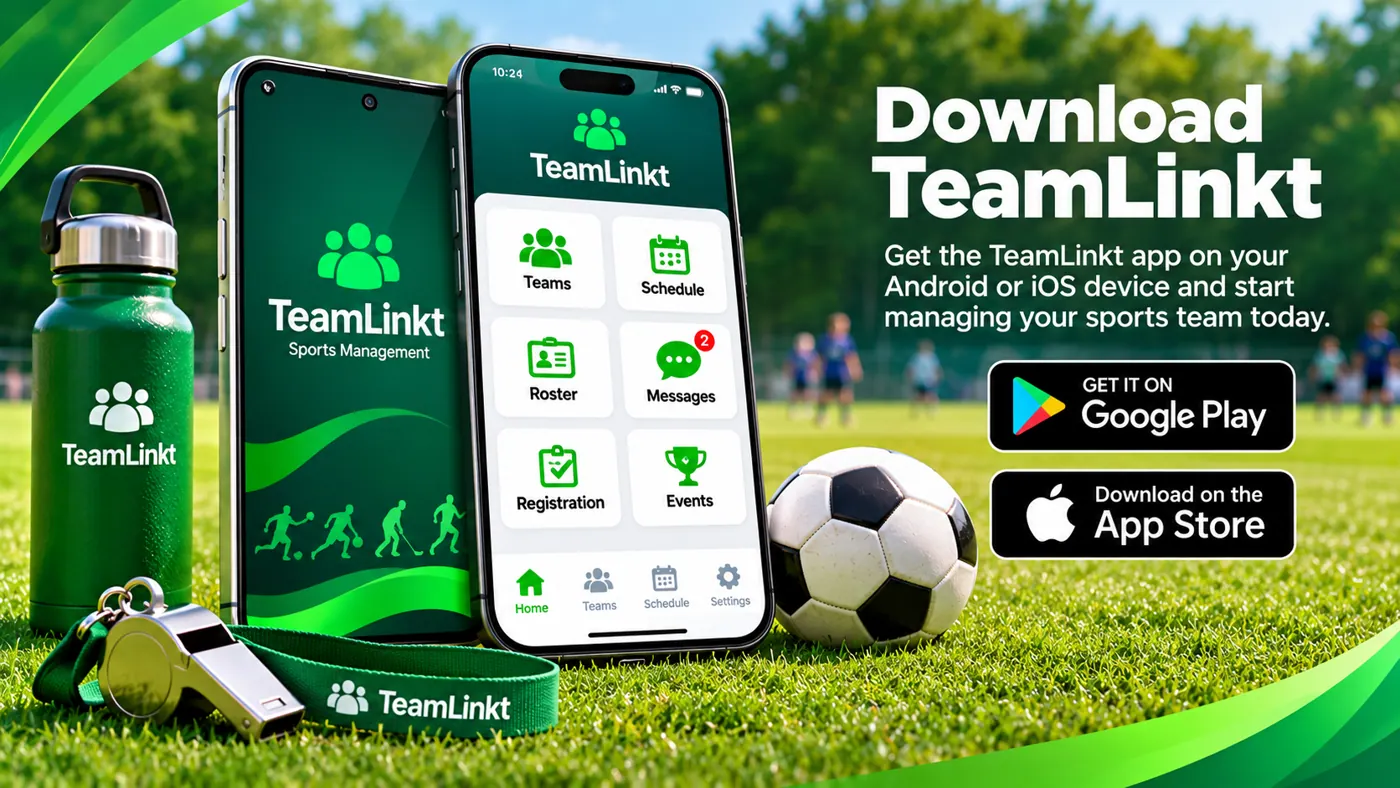

When teams are busy, even a small schedule change can affect many families. A shared schedule gives players and parents a place to check upcoming practices, games and events rather than relying on scattered messages.
Before each event, confirm the date, start time and venue. If your organization uses notifications, review those settings so important updates do not get overlooked. The exact controls can vary by account and app version.
Scheduling questions? Read the FAQsOrganized rosters help coaches understand who belongs to each team and make it easier to coordinate season activities. Team administrators may use roster information to maintain player assignments and relevant team details.
For families, the key is knowing which team they have joined and where to find its information. Always follow your organization’s instructions for any player details, especially when working with information about children.
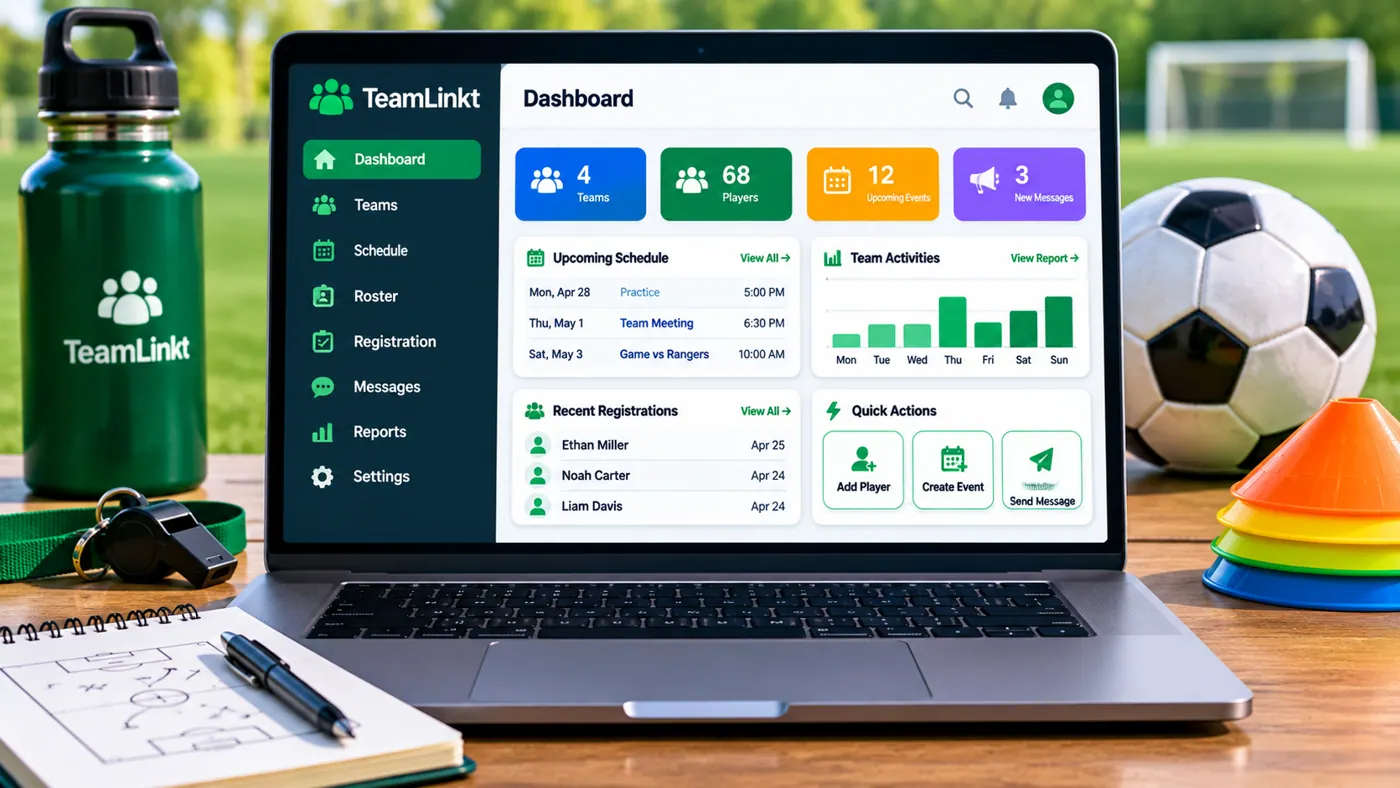

Clear communication is as important off the field as it is during a match. Coaches may need to announce a time change, remind families about equipment or share details about an upcoming event.
Using a consistent team communication channel reduces the chance that someone misses an update. Check with your coach or organization to learn which messages, alerts and team features are enabled for your group.
Clubs and leagues have different needs from individual teams. Multiple age groups, changing venues and seasonal registration can create extra coordination work. TeamLinkt includes sports organization tools worth exploring when you need a broader view of activities.
Before selecting a workflow, review current platform features, account permissions and any applicable plan details directly with the provider. Your organization can then choose the approach that fits its size and season structure.


Registration is often one of the first steps in joining a sports program. Depending on how a club has configured TeamLinkt, families may be directed to an organization-specific registration process.
Use the link supplied by your club, review any eligibility requirements and confirm deadlines before submitting information. This website does not collect registrations, player data or payments; those actions should take place through the organization’s designated service.
Make the most of your team’s workflow with a few easy routines that work across many youth sports programs.
Review the week’s practices and games before making other plans.
Double-check locations and arrival instructions, especially for away games.
Use your organization’s approved process for updating information.
Weather and scheduling conflicts can affect events at short notice.
Explore TeamLinkt through supported mobile stores or the provider’s website. Always check the latest requirements before installing.

Explore platform information and web access on the provider website.
Visit TeamLinkt website“Great seasons are built on more than great plays. They're built on people who know where to be, when to be there, and how to stay connected.”
A simple reminder of why good team organization matters. This is an editorial statement, not a customer testimonial.
When downloading a sports app, choose the appropriate official marketplace, check the app name and publisher, and review the permissions it requests. Store pages may also include recent release notes, supported devices and privacy information.
After installation, follow the instructions given by your team or club. Some activities may require an invitation or account managed through the TeamLinkt service; this informational site does not offer sign-in or account creation.
Go to download options
Before installing, check the app name and publisher in the store listing, confirm your device meets the current requirements, and ask your coach or league which team invitation or organization details you will need. App installation and any account activity take place with the software provider, not on this information page.
These answers cover common first steps. Features and availability can change, so verify current details with the provider.
Explore App OptionsTeamLinkt is a sports management platform that can help organizations coordinate activities such as schedules, team information and communication.
Use the Google Play or Apple App Store search links on this page, then confirm the current app listing before downloading.
You can explore TeamLinkt's website in a browser. Available account features and device support should be confirmed directly with the provider.
Ask your coach or club for its specific TeamLinkt invitation, registration link or joining instructions.
No. This page provides information and links. It does not handle TeamLinkt accounts, passwords, player registration or payments.
Check for recent updates and contact your coach or team organizer, who can confirm the correct event details.
Explore TeamLinkt, choose the right app listing and get familiar with the tools that can make a sports season easier to navigate.